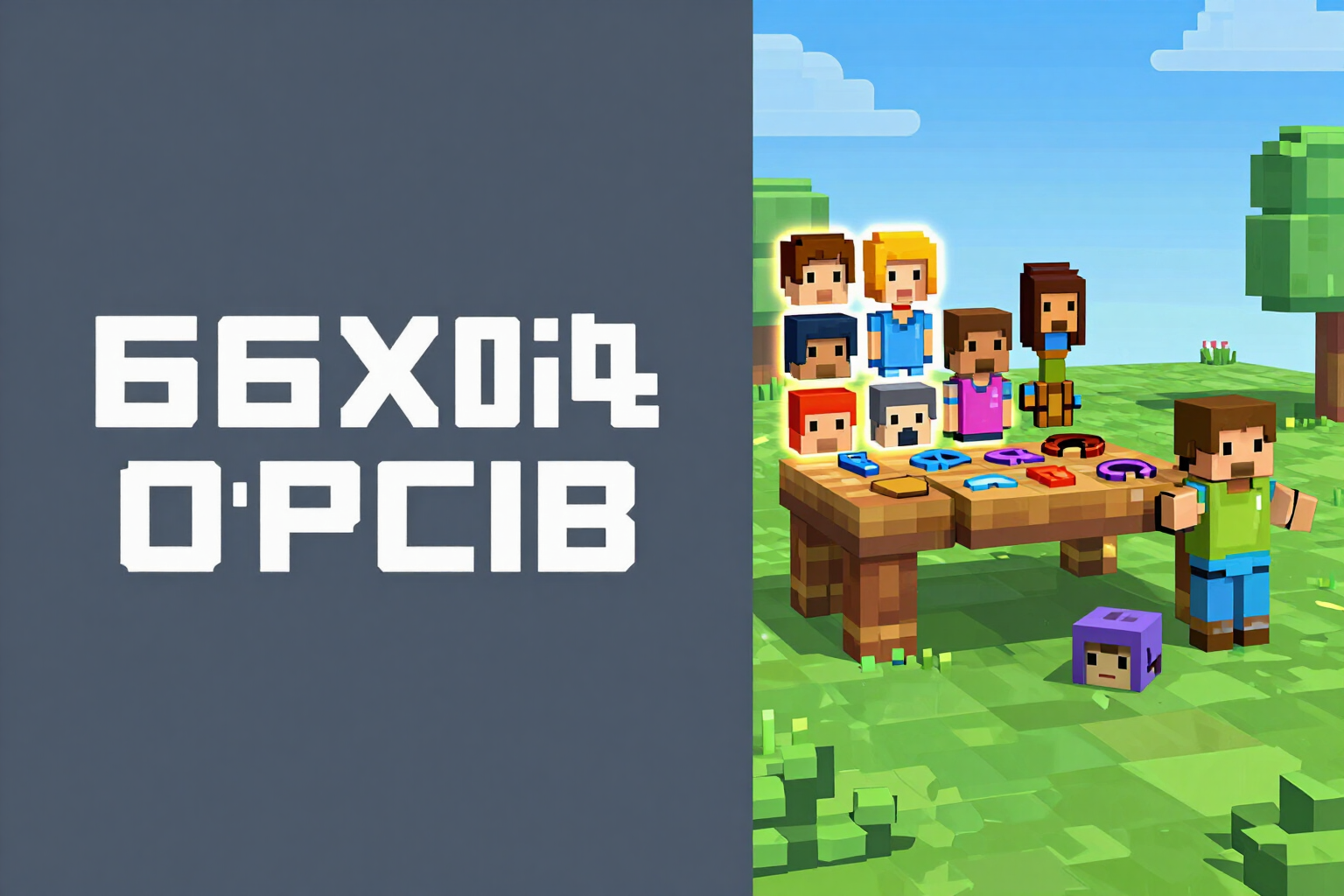
Minecraft Skin Creator: the 64×64 atlas is built correctly
Assemble your skin piece by piece on the exact squares of the UV map, see it on the character doll, and download a 64×64 PNG that has been measured before delivery. No installation required.
A skin is not a drawing: it is a 64×64 PNG where each square must fall into its exact slot. One pixel out of place and the game paints the ear on the elbow.
AiToolsForApps's Minecraft skin builder is not a pixel editor with a blank canvas: it is a catalog of pieces that are painted directly onto the squares of the 64×64 atlas UV map. You choose one of the 14 starting archetypes —Knight, Samurai, Ninja, Astronaut, Pirate, Wizard, Viking, Explorer, Cyberpunk, Miner, Ranger, Royalty, Scientist, or Basic— and from there you can change whatever you want in six independent slots: face, hairstyle, top, bottom, accessory, and outer layer. There are 57 catalog options (54 drawn pieces plus three options: 'no hair', 'no accessory', and 'no cape').
Each piece knows which squares it occupies. The six body parts —head, torso, two arms, and two legs— and the six groups of the outer layer —hat, jacket, two sleeves, and two legs— are painted face by face: top, bottom, front, back, left, and right. That's why there's no way to get a crooked seam or an arm with the texture reversed: you're not painting on an image, you're filling in a map.
Color goes by slots, not by brush: skin, hair, eyes, clothing, clothing 2, metal, accent, and footwear, each with its curated tone grid to avoid ending up with an impossible purple on the skin. There are eight starting palettes (Classic, Steel and Gold, Oni, Neon, Forest, Ice, Royalty, and Space) and when recoloring, the shading of the piece is preserved, so the character's volume doesn't flatten. It also warns you before wasting time: if the skin and clothing are almost the same tone, if the hair won't stand out from the face, or if the accessory you've chosen covers the hairstyle, it will let you know.
And finally, the part that distinguishes this from any other website: the file is checked. When you request your skin, the PNG is re-read and measured —exactly 64×64, with alpha channel— and the entire base layer is scanned counting holes and semi-transparent pixels. If it doesn't measure 64×64, if it doesn't have alpha, or if there's a hole in the base layer (that would appear as a hole in the character in the game), the file is not delivered: it is retried. You get the atlas ready to upload, the character rendered in three views (front, three-quarters, and back), and an enlarged 8× reference sheet of the atlas with numbered regions and their legend, so you know what each area is if you later want to touch it up by hand.
Try Skin Creator right here
Use it free without an account. If you want to save your result, you can sign up afterwards.
Save / Sign upBenefits of Skin Creator
The file is measured, not promised
the PNG is re-read after composition and checked to ensure it is exactly 64×64 with an alpha channel. If it is not, we do not give it to you.
No holes in the base layer
it checks each face of the six body parts counting transparent pixels. A hole in the base layer is a gap in your character within the game, so it blocks the delivery.
Classic and slim with the correct UV
you switch between 4 px and 3 px arms and the pieces automatically reposition themselves in the slots required for that model. No need to redraw anything.
14 archetypes and 57 catalog options
you start from a complete preset and only change what you want in six slots (face, hairstyle, top, bottom, accessory, and outer layer).
Color by slots with curated grids
eight editable slots and eight starter palettes, with tones chosen by family. When recoloring, shading is preserved, so the character doesn't appear flat.
Warnings before downloading
it marks if the skin and clothing have such low contrast that at 64×64 they will be a blur, if the hair won't distinguish from the face, or if the accessory covers the hairstyle.
Three views and atlas sheet
the character rendered from the front, three-quarters, and back, plus the reference sheet of the atlas at 8× with numbered regions for manual touch-ups.
The AI does not paint your skin
the atlas is composed by a deterministic engine from the catalog. If you want, the AI only translates your description into pieces from the catalog, and you can always tweak the result.
Build your skin and download it with verified measurements
Building the skin and seeing it on the character doll does not require an account. Register for free just to download the 64×64 PNG, the atlas sheet, and save the skin with its pieces and palette.
In the features that use AI, responses are generated by artificial intelligence and are not a substitute for professional advice.